Turn any workflow into
a living guide.
Record your screen or import a Loom. Glyde turns it into a polished guide your team can follow — or walk through step by step.


Your team's best knowledge lives in someone's head.
Critical processes go undocumented. New hires struggle. Mistakes repeat. Teams waste hours explaining the same thing over and over.
Three steps to never repeat yourself.
Capture your workflow
Use the Chrome extension or import a Loom recording. Glyde captures every click, navigation, and input.
Review & refine
Glyde structures your recording into clear, numbered steps. Edit, reorder, and add context in seconds.
Share, export, or guide
Publish to your knowledge base. Export to Notion, Confluence, or Google Drive. Or let Guide Me walk your team through it live.
Not just steps. Real SOPs.
Other tools give you a list of clicks. Glyde generates structured, professional documentation your team can actually follow.
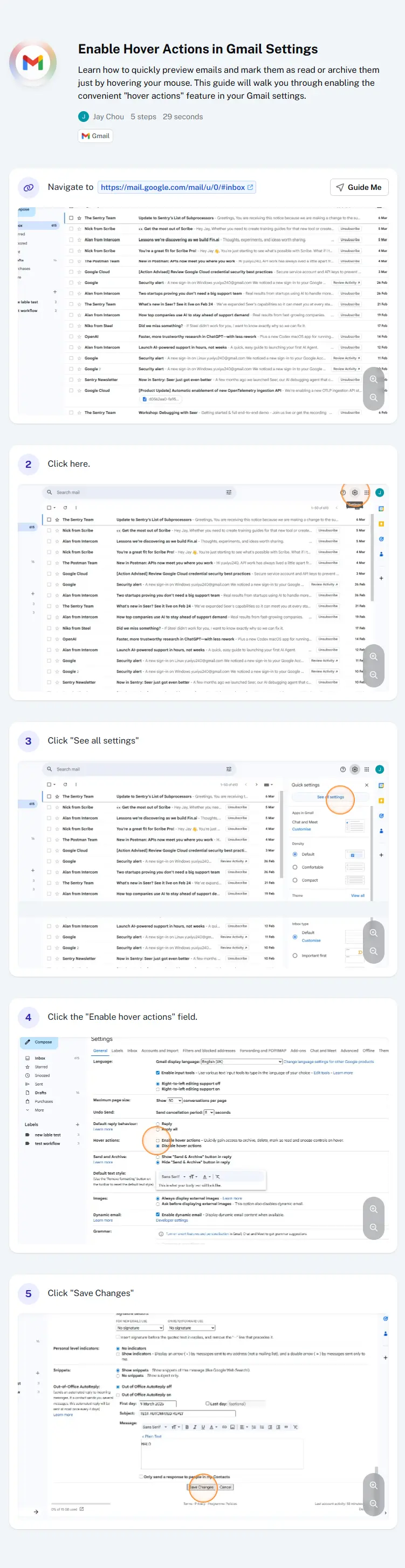

Scroll to compare.
Glyde by the numbers
Built for every team.
From engineering to HR, every team has processes worth documenting.
Engineering
Deployment runbooks, incident response, onboarding checklists for new developers.
Customer Success
Support playbooks, escalation workflows, and troubleshooting guides that reduce resolution time.
Operations
Process documentation for procurement, vendor management, and compliance workflows.
Human Resources
Employee onboarding, benefits enrollment, and policy documentation that new hires can follow.
Sales
Demo scripts, CRM workflows, and sales playbooks that keep your pipeline consistent.
Legal & Compliance
Audit procedures, regulatory checklists, and compliance workflows with clear accountability.
Simple pricing,
no surprises.
Start for free with 25 guides. Upgrade when your team grows.
No credit card required.
Free
For individuals getting started
- 1 creator
- 25 guides / SOPs
- Unlimited AI generation
- Browser extension capture
- Import from Loom
- Export to PDF
- Guide Me (up to 5 guides)
- Redact sensitive information
- Share via link
- Community support
Pro
For teams that need more
Billed annually. $20/user/mo monthly.
- Everything in Free, plus:
- Unlimited guides / SOPs
- Unlimited team members
- Unlimited workspaces
- Import from Loom
- Export to PDF, DOCX, Notion, Confluence, Google Drive
- Unlimited Guide Me walkthroughs
- Priority support
Enterprise
For organizations at scale
Tailored to your needs
- Everything in Pro, plus:
- SSO / SCIM
- Audit logs
- Auto PII redaction
- API access
- Custom integrations
- Embed Guide Me in your app
- White labeling
- Dedicated support & SLA
Frequently asked questions
How does Glyde record my workflow?
Is my data secure?
Can I edit the generated SOPs?
What does the free plan include?
How is Glyde different from screen recording tools?
What is Guide Me?
Can I import recordings from Loom?
Insights for modern teams.
Practical guides on process documentation, team efficiency, and operational excellence.
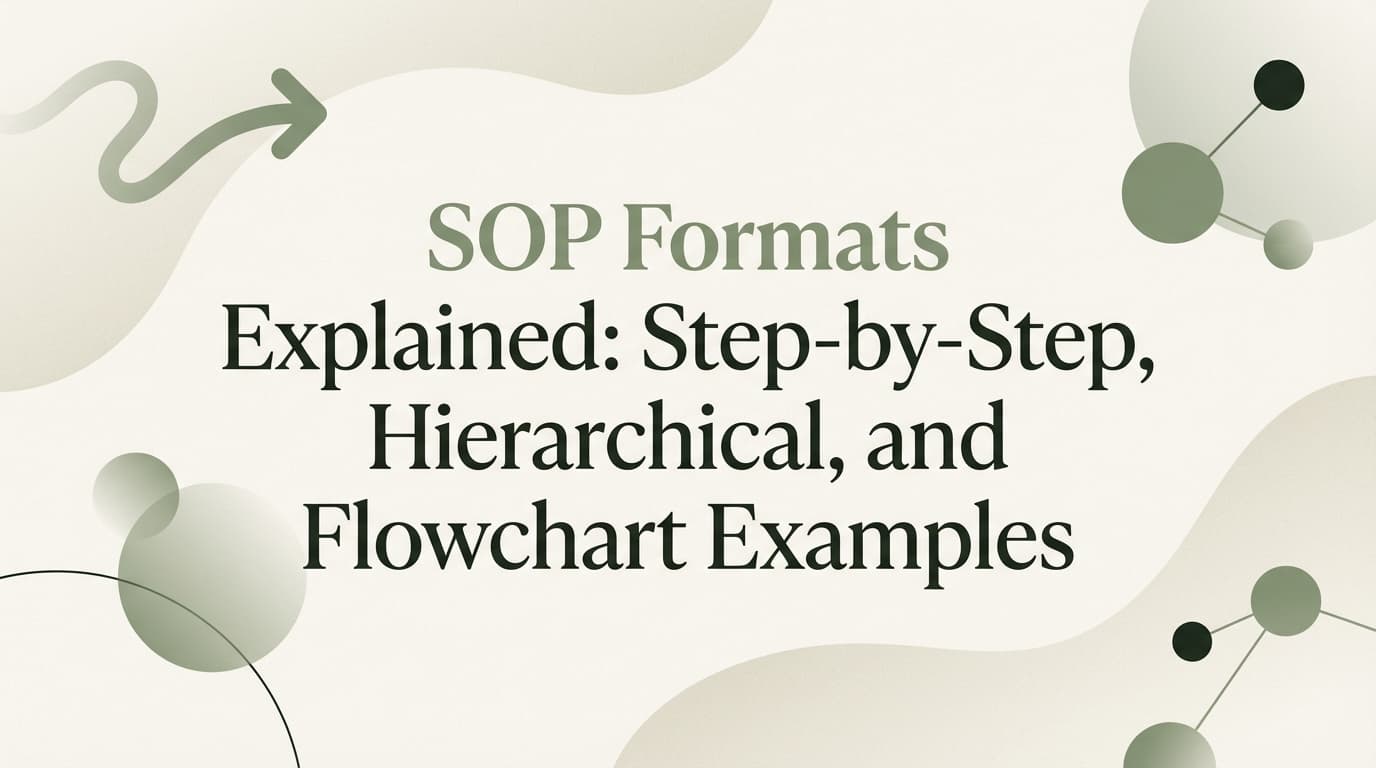
SOP Formats Explained: Step-by-Step, Hierarchical, and Flowchart Examples
Choosing the right SOP format determines whether your team actually follows a procedure or ignores it. This guide explains how to document your processes using step-by-step, hierarchical, and flowchart structures, with examples for each.
Read more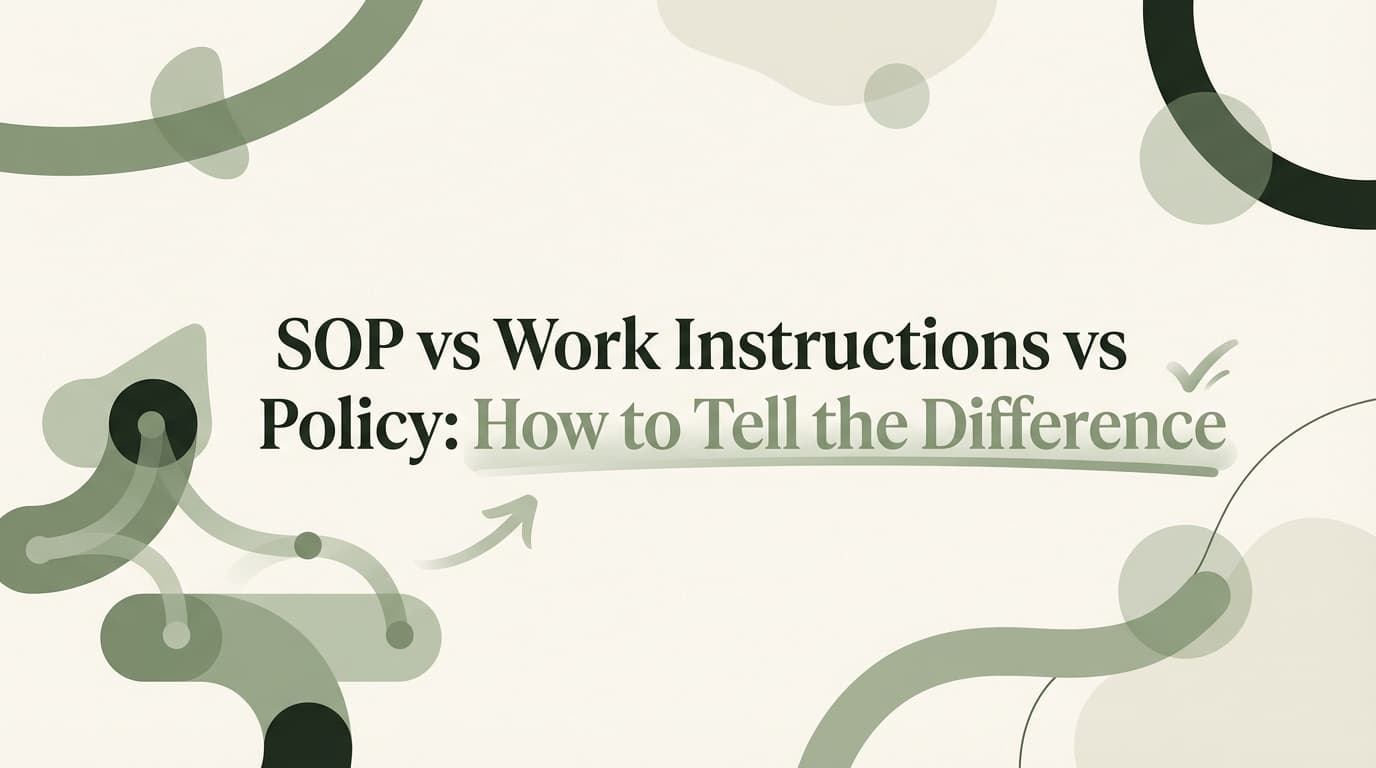
SOP vs Work Instructions vs Policy: How to Tell the Difference
Learn the exact difference between an SOP, a work instruction, and a policy. This guide covers when to use each document type, who should write them, and examples to clear up the confusion—plus a comparison table for quick reference.
Read more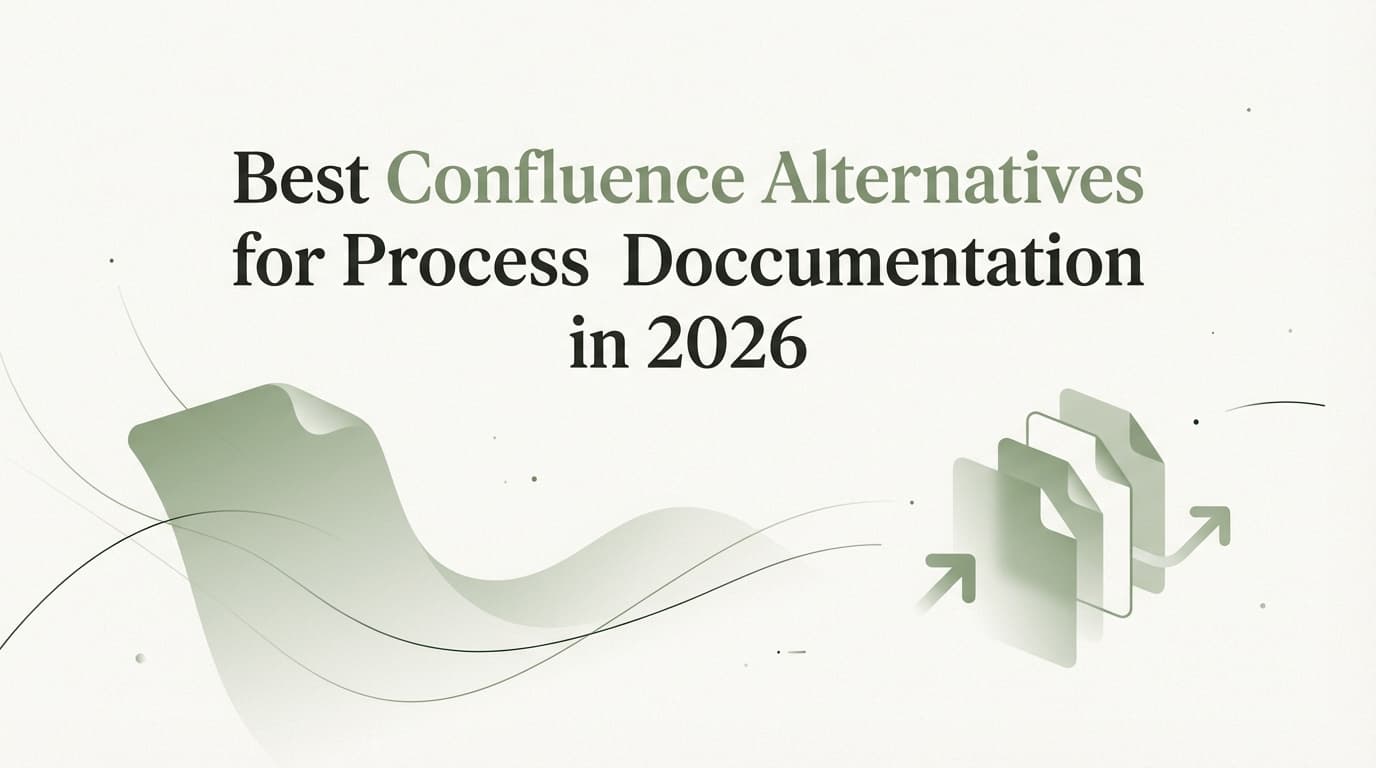
Best Confluence Alternatives for Process Documentation in 2026
Many teams outgrow Confluence when they need to document step-by-step processes rather than just static wiki pages. This guide compares the best Confluence alternatives for process documentation, highlighting tools that capture workflows automatically and keep your knowledge base updated.
Read moreStop explaining.
Start documenting.
Join hundreds of teams building their knowledge base with Glyde.
Free to start. No credit card required.