
Glyde vs Scribe
Scribe pioneered one-click capture for step-by-step guides. Glyde takes the next step: turning recordings into structured SOPs with the context a new hire actually needs.
The short version
Scribe is excellent at fast, click-by-click screenshot capture — open the extension, do the task, get a guide in seconds. The trade-off is depth: the output is a sequence of screenshots with auto-generated labels like “Click the button” that usually need editing. Glyde uses a multimodal AI pipeline to produce full SOPs — purpose, scope, prerequisites, and annotated steps — and can build them from screen recordings or your existing Loom library, not just live click capture. If you need quick personal how-tos, Scribe is great. If you need documentation your team follows on day one, Glyde produces stronger output.
Glyde vs Scribe, feature by feature
| Feature | Glyde | Scribe |
|---|---|---|
| Capture method | Screen recording + live capture | Live click capture |
| Output | Structured SOP (purpose, scope, steps) | Screenshot-by-screenshot guide |
| AI-written step context | What, why, and where it fits | Auto-labeled (“Click …”) |
| Import / upload existing video | Loom + file upload (up to 500) | |
| Interactive in-browser walkthroughs | Guide Me, all plans | |
| Optional voice narration in the SOP | ||
| PII redaction / auto-blur | On-device, all plans | Paid plans |
| PDF export | Free plan | Paid plans |
| Free plan published docs | Up to 25 SOPs | Unlimited guides |
| Editing | Full rich text editor | Step title & description only |
What you get with Glyde
Real SOPs, not a list of clicks
Glyde's multimodal AI reads DOM state, structured step data, screenshots, and optional voice narration to write documentation with purpose, scope, prerequisites, and annotated steps — what you did, why it matters, and where it fits. The output reads like a guide a new hire can follow on day one, not a screenshot dump captioned “Click the button.”
Turn existing recordings into SOPs
Already have a library of Loom or screen recordings? Paste a Loom link, upload your own video files, or batch-import up to 500 recordings at once — Glyde generates a structured SOP from each. You don't have to re-perform every process live just to document it.
Guide Me turns any SOP into a live walkthrough
Glyde overlays step-by-step guidance directly in the browser — highlighting where to click, what to enter, and when to proceed. Your documentation becomes an interactive co-pilot, not a static page someone has to read in another tab.
PII redaction on every plan
SmartBlur auto-detects and masks passwords, emails, phone numbers, and credit cards on-device before anything leaves your browser. It's included on the free plan — not gated behind an Enterprise tier.
Not just steps. Real SOPs.
Other tools give you a list of clicks. Glyde generates structured, professional documentation your team can actually follow.
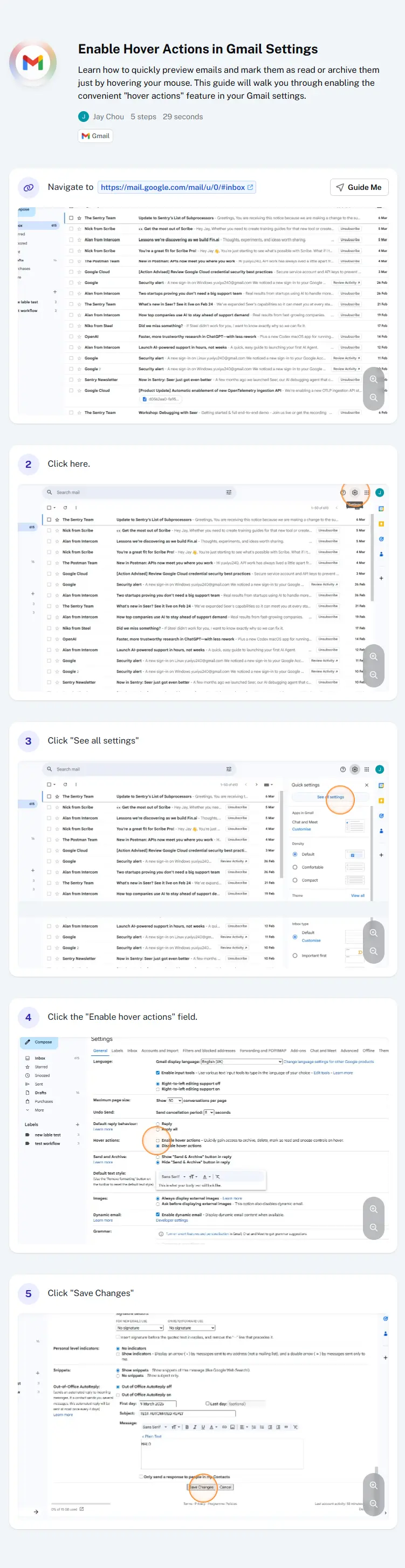

Scroll to compare.
When Scribe is the better choice
No tool is right for everyone. Scribe is a solid pick when:
- You want the fastest possible capture for a quick, throwaway how-to.
- Your guides are mostly for yourself or a small group and don't need much context.
- You're already standardized on Scribe and your team is happy with screenshot-style guides.
Otherwise — if the goal is documentation your team actually follows — give Glyde a try. You can also see how Scribe describes itself on its own site.
Glyde vs Scribe, answered
Is Glyde a good Scribe alternative?
What's the main difference between Glyde and Scribe?
Can I move my existing Scribe guides into Glyde?
Does Glyde redact sensitive information like Scribe?
Is there a free plan?
More on Scribe and the alternatives
Turn your next recording into a real SOP
Record once, get documentation your team can follow on day one. Free plan, no credit card required.
Try Glyde Free