

Purpose
This SOP describes how to connect Microsoft Teams notifications to your Asana workspace, enabling you to receive activity updates directly in Microsoft Teams.
Scope
This procedure is intended for Asana users who want to integrate Microsoft Teams notifications with their workspace. Follow this SOP when you need to set up or reconfigure Teams notification integration.
Prerequisites
Active Asana account with access to your workspace
Microsoft Teams account with permissions to install apps
Procedure
- Step 1 of 4
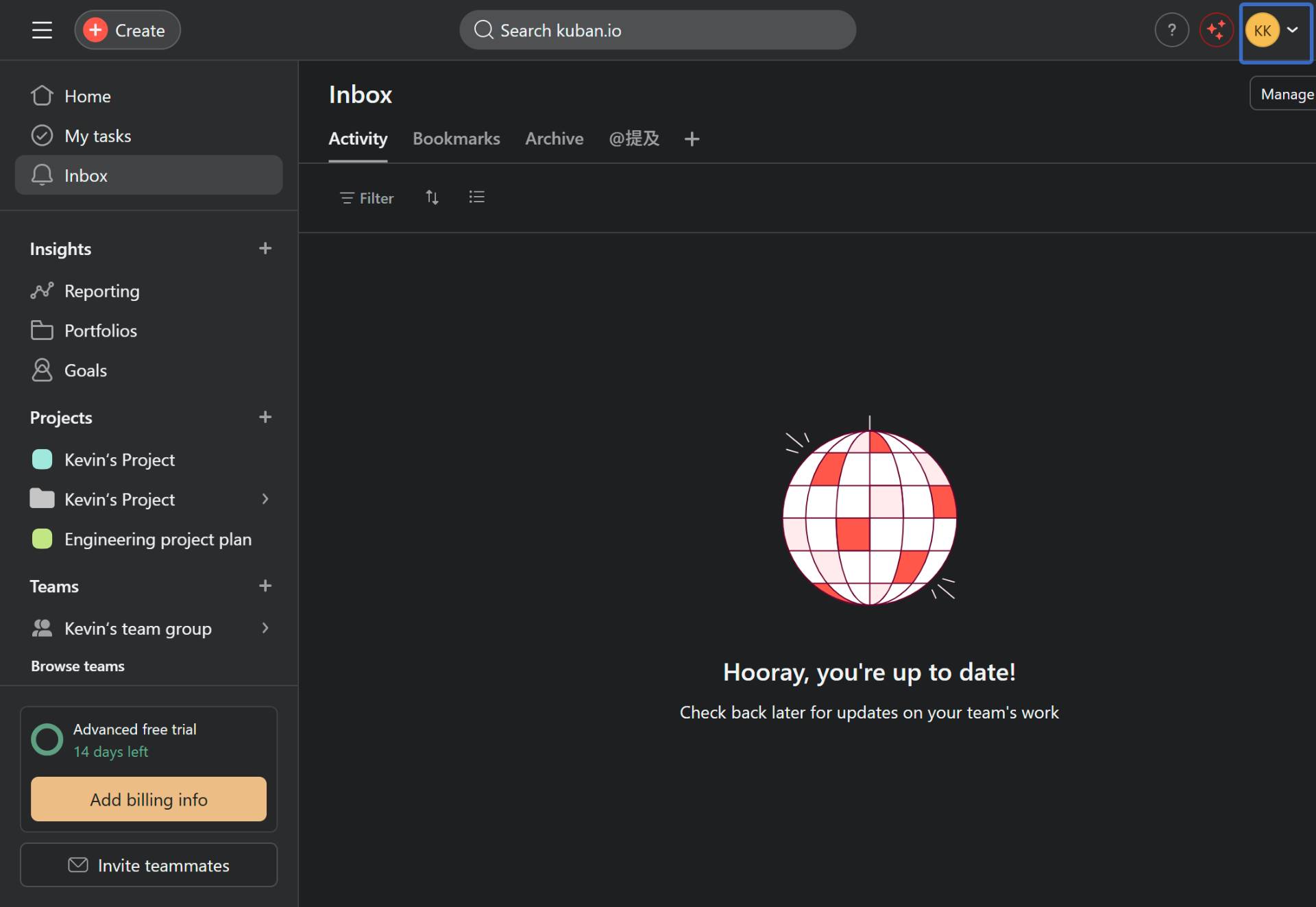
Navigate to Asana
Open Asana in your browser
Navigate to app.asana.com and sign in to your Asana account.
- Step 2 of 4
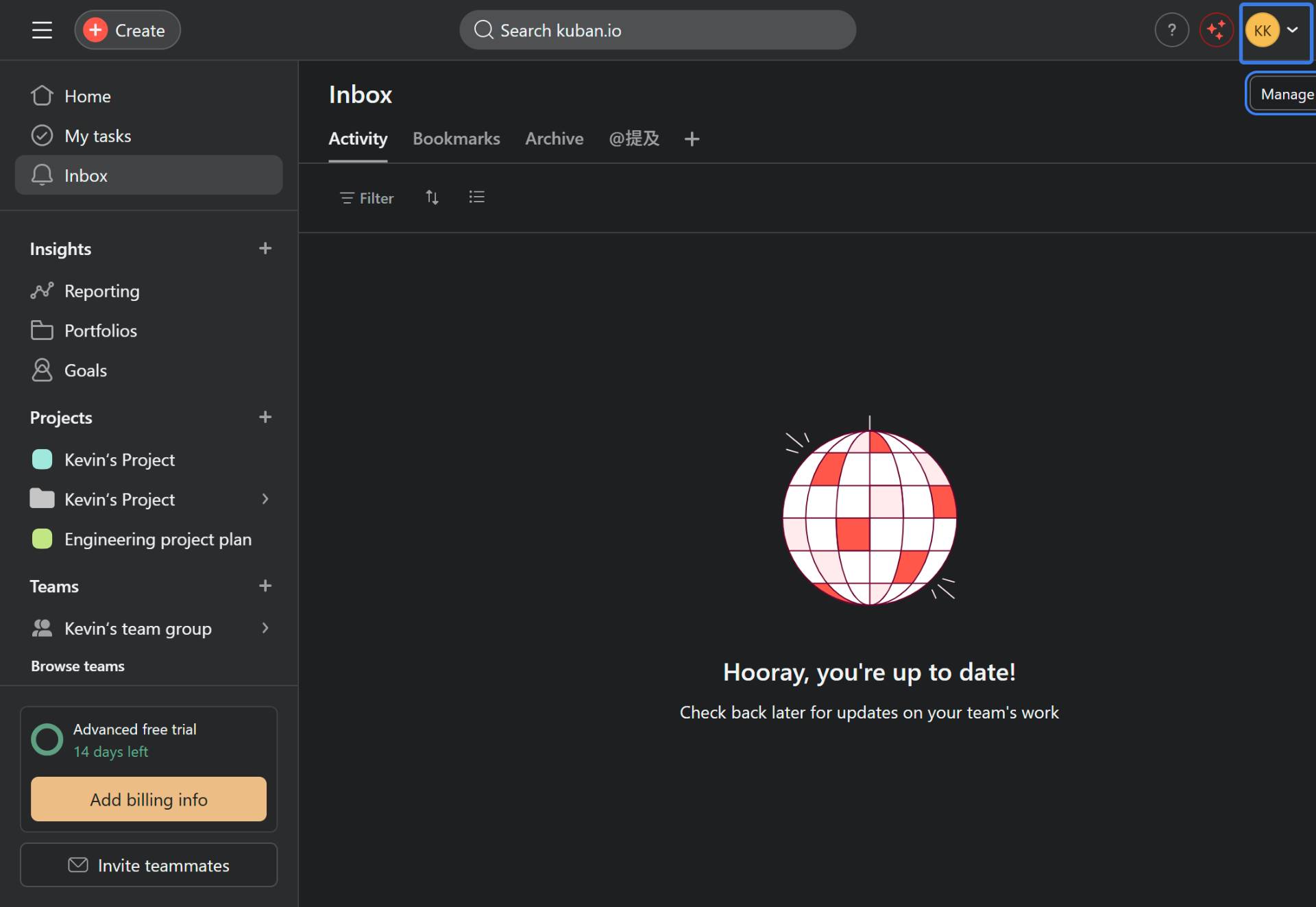
Open notification settings
Click your profile picture and select Manage notifications
Click on your profile picture in the top-right corner of the screen. From the dropdown menu, select Manage notifications.
- Step 3 of 4
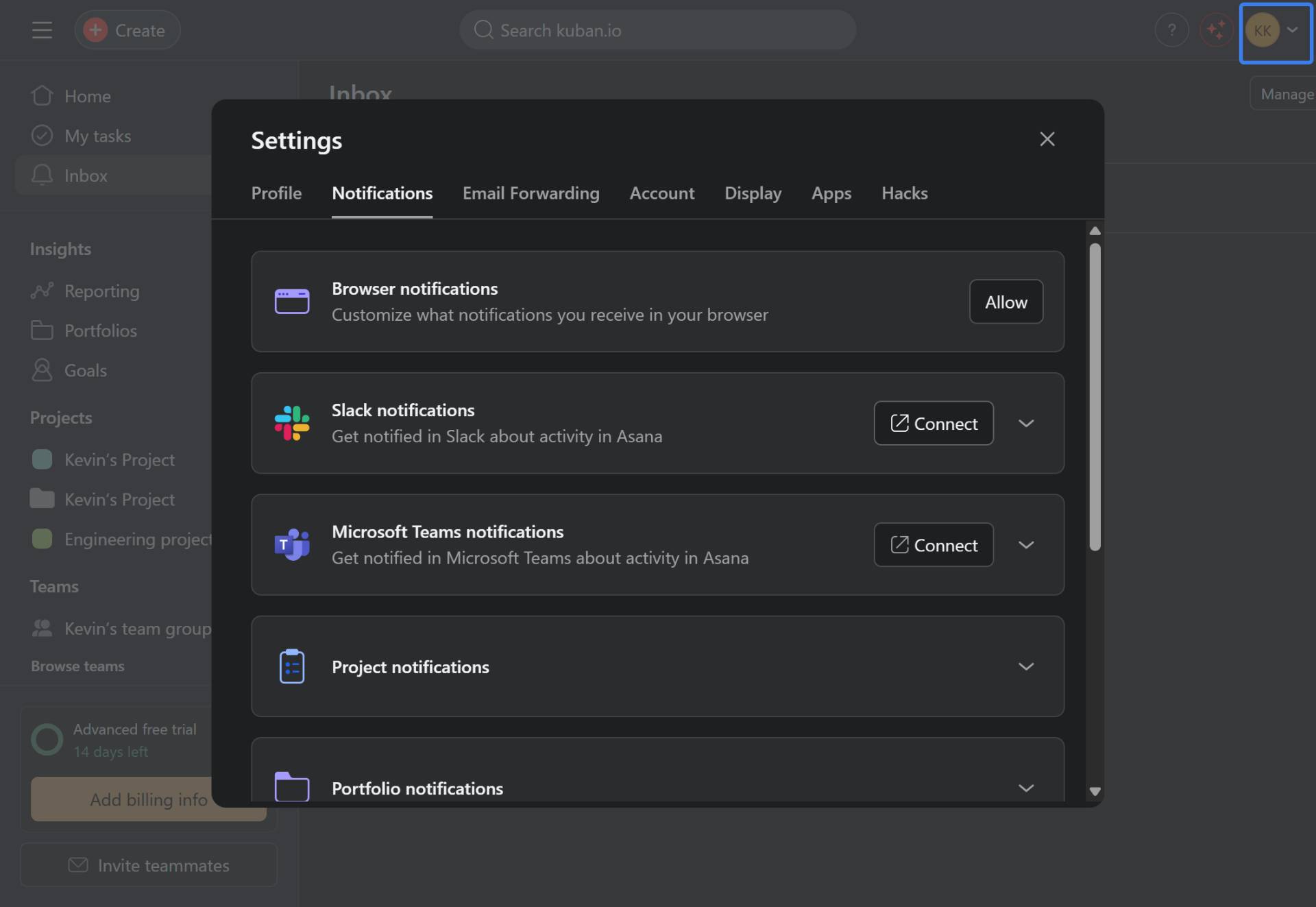
Connect Microsoft Teams notifications
Click the Connect button next to Microsoft Teams notifications
In the Settings modal, ensure you are on the Notifications tab. Locate the Microsoft Teams notifications section and click the Connect button.
- Step 4 of 4
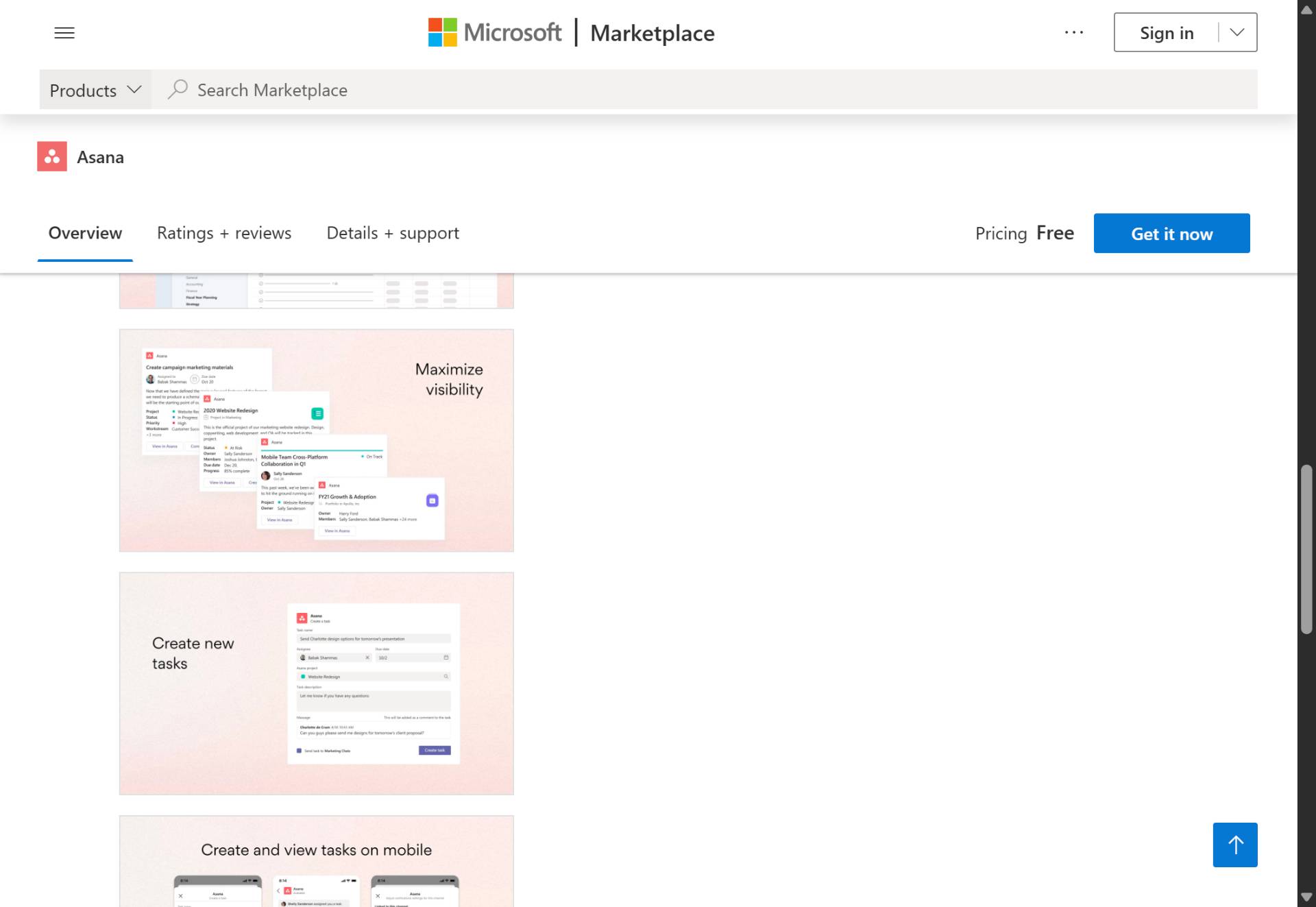
Install Asana from Microsoft Marketplace
Click Get it now on the Microsoft Marketplace page
You will be redirected to the Microsoft Marketplace page for the Asana app. Review the app details and click the Get it now button to install the Asana integration for Microsoft Teams.
Verification
After completing the installation:
Return to your Asana notification settings and verify that the Microsoft Teams notification status has changed from "Connect" to "Connected" or similar.
Check your Microsoft Teams account to confirm the Asana app appears in your installed apps list.
Conclusion
You have successfully connected Asana notifications to Microsoft Teams. You will now receive activity updates from your Asana workspace directly in your Teams channels.