

Purpose
This SOP describes how to customize text and object colors in Figma using the built-in color picker, allowing designers to apply custom colors to elements within their design files.
Scope
This procedure is intended for designers and team members with edit access to Figma design files. Follow this SOP when you need to change the color of text, shapes, or other design elements.
Prerequisites
Access to a Figma account with edit permissions for the design file
The Figma design file must be open in your browser or desktop application
At least one design element (text, shape, or component) must be selected
Procedure
- Step 1 of 5
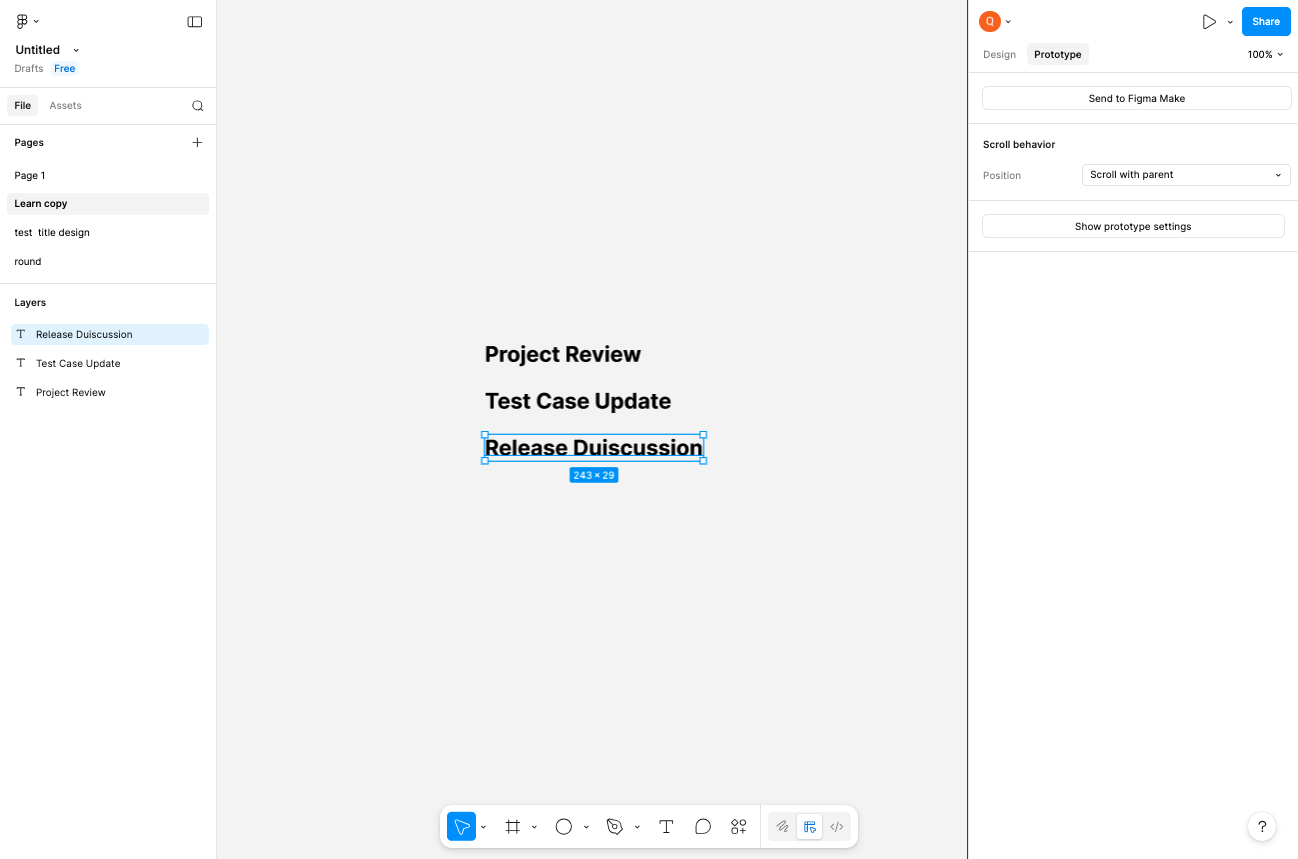
Navigate to your Figma design file
Open the Figma file
Navigate to your Figma design file at figma.com and ensure you are logged in with your account credentials.
- Step 2 of 5
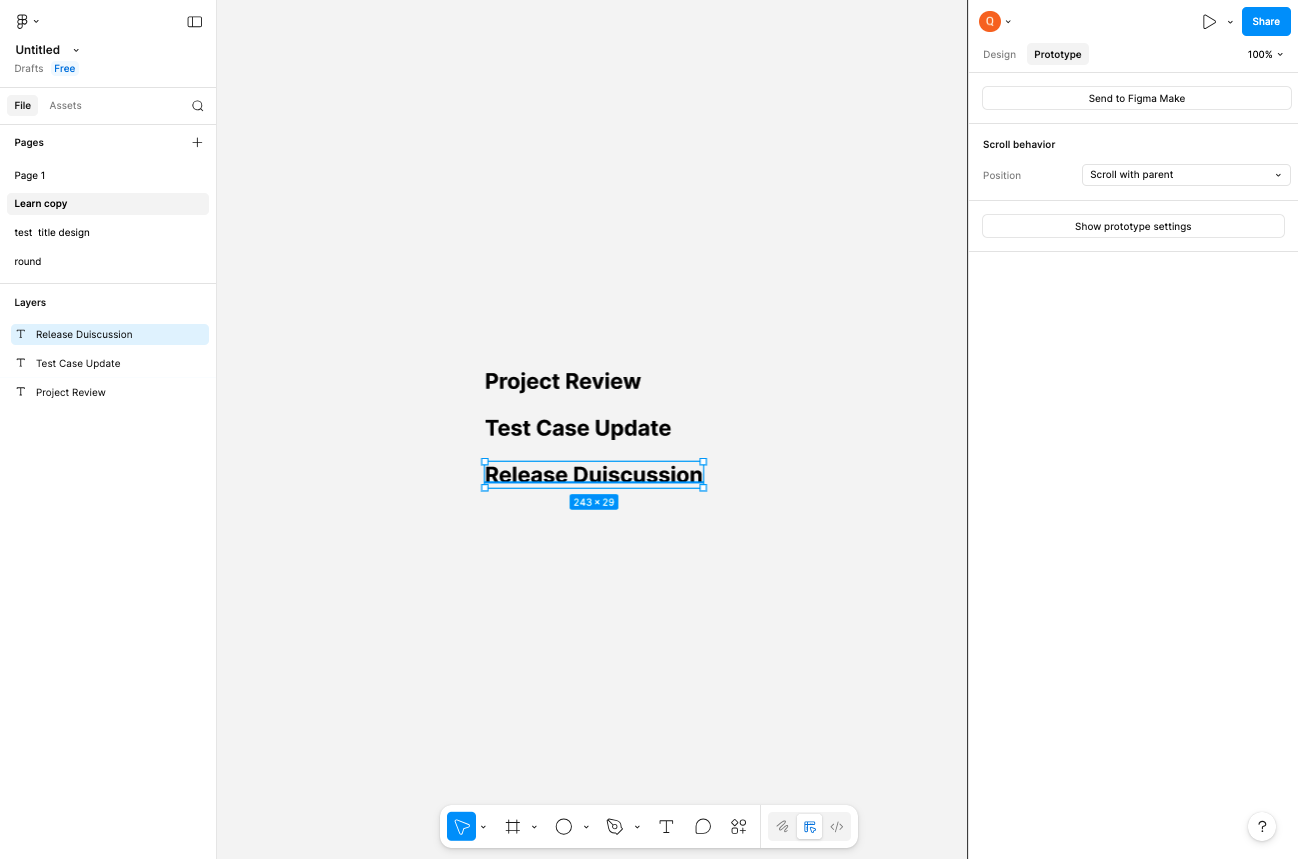
Switch to Design mode
Click the Design tab
Click the Design tab in the top-right area of the interface to switch from Prototype mode to Design mode. This will display the design properties panel where you can modify element styling.
- Step 3 of 5
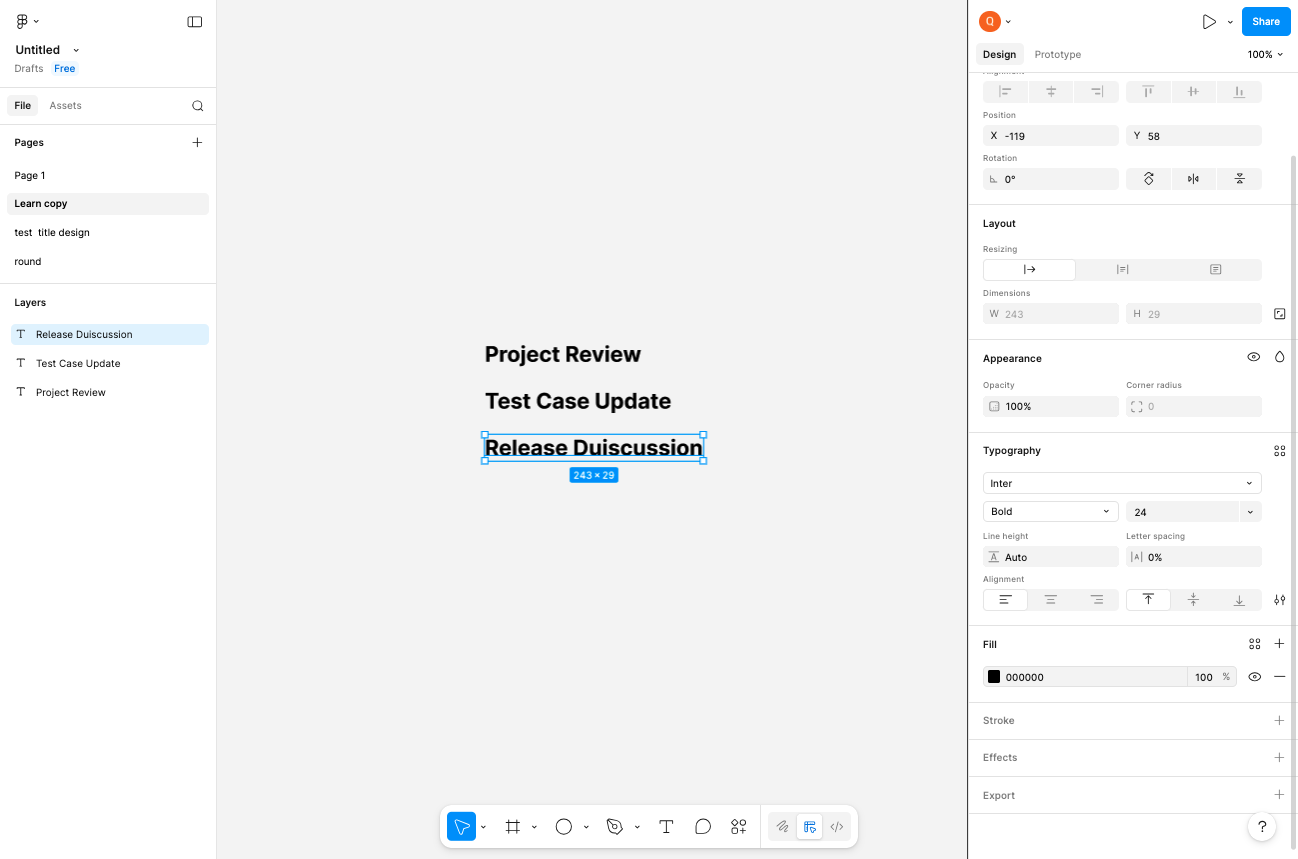
Select the element to customize
Click on the text or shape element
Click on the text, shape, or component element on the canvas that you want to customize. The element will display a blue selection border when selected, and its properties will appear in the right-side panel.
- Step 4 of 5
Open the color picker
Click the fill color swatch
In the right-side properties panel, locate the Fill section. Click on the color swatch (currently showing the hex value
000000or black) to open the color picker.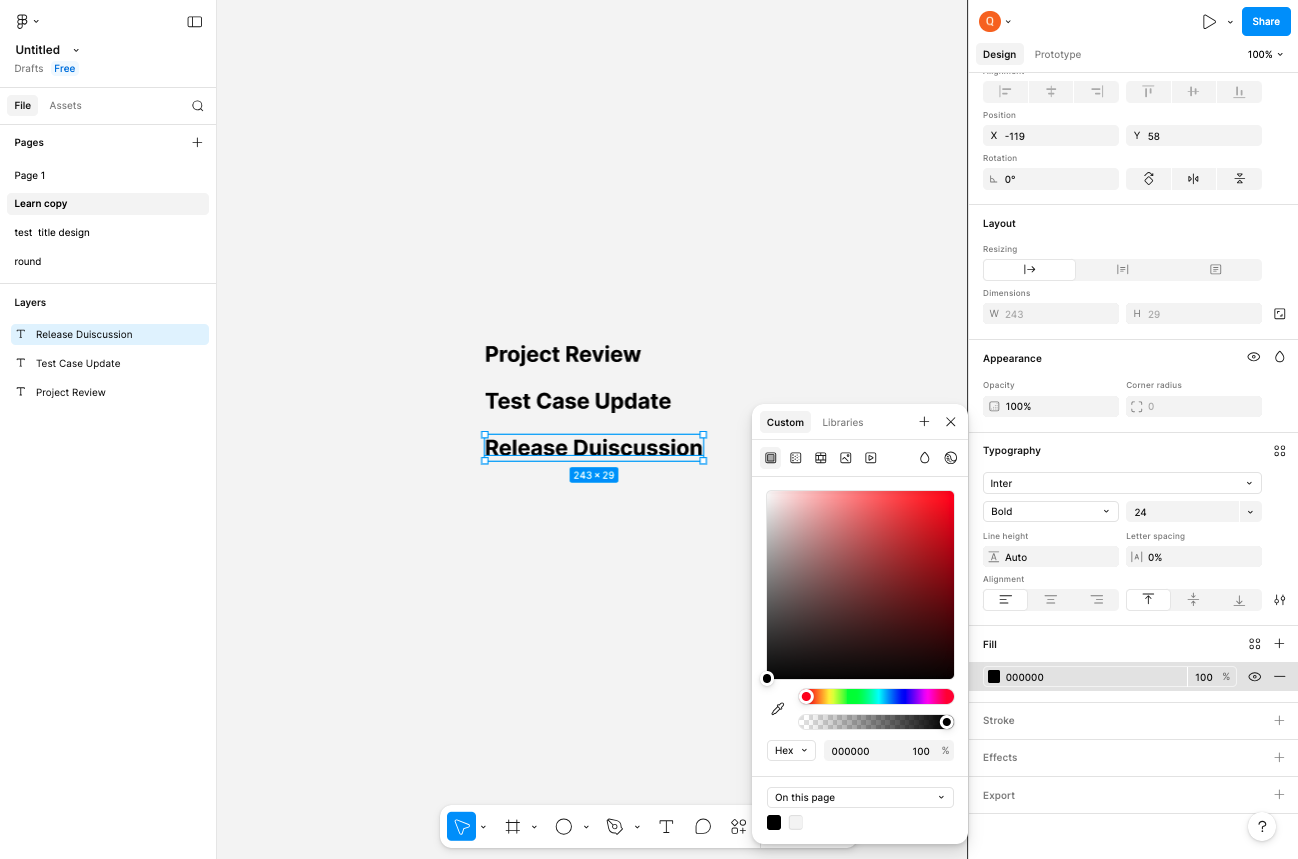
- Step 5 of 5
Select your desired color
Choose a color from the picker
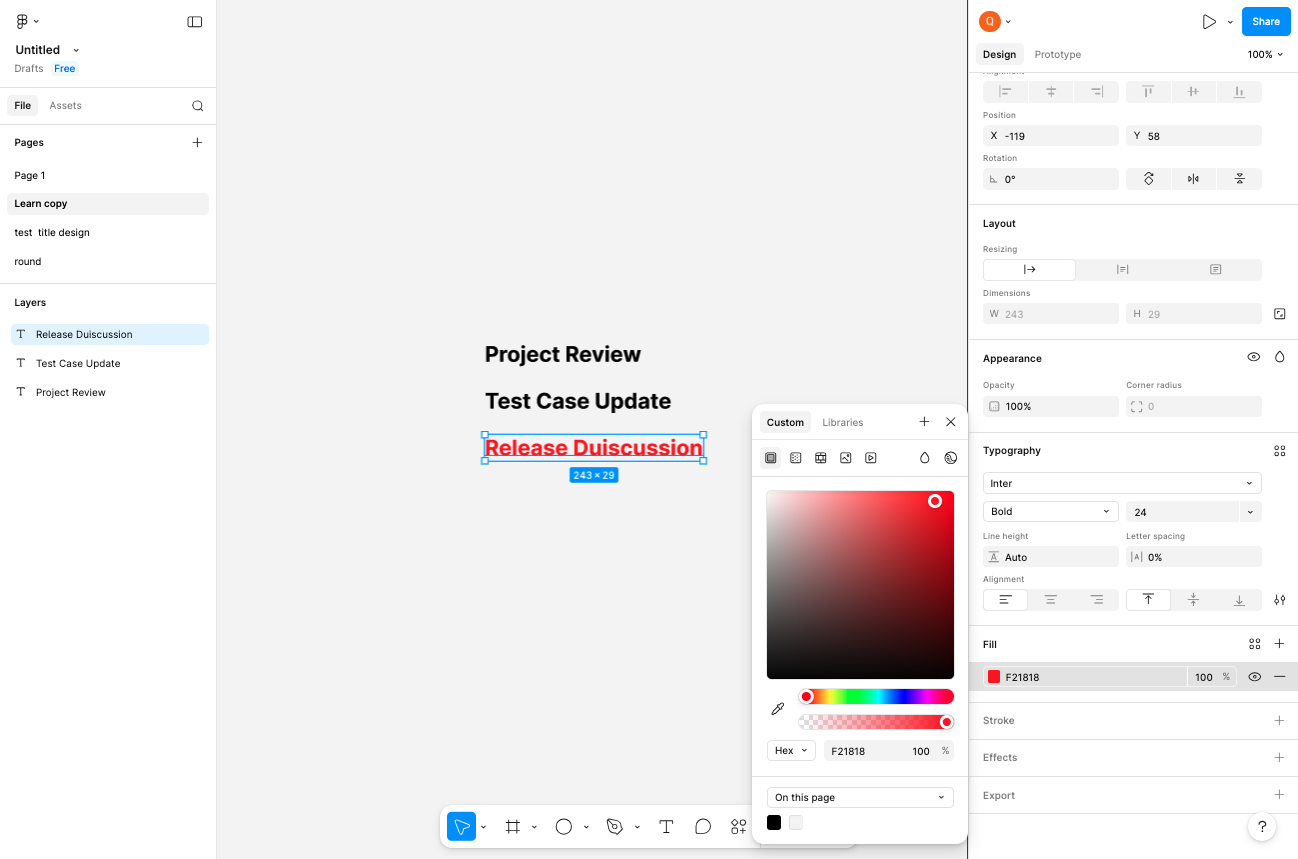
The color picker popup will appear with multiple ways to select a color:
Verification
After selecting your color, verify the change was applied successfully:
Confirm the element on the canvas displays the new color
Check that the Fill section in the properties panel shows the updated hex value
Click elsewhere on the canvas to deselect the element and view the final result
Conclusion
You have successfully customized the color of a design element in Figma. The color picker provides flexible options for precise color control, and changes are applied instantly to your selected elements.