

Purpose
This SOP describes the process for searching and discovering repositories on GitHub using the global search functionality. It enables users to find relevant code repositories, projects, and resources across the entire GitHub platform.
Scope
This procedure is intended for all GitHub users who need to search for repositories, code, or projects. Follow this SOP when looking for specific repositories, exploring projects by topic, or discovering code resources.
Prerequisites
Active GitHub account
Logged in to GitHub
Web browser with internet access
Procedure
- Step 1 of 6
Navigate to github.com
Open the GitHub dashboard
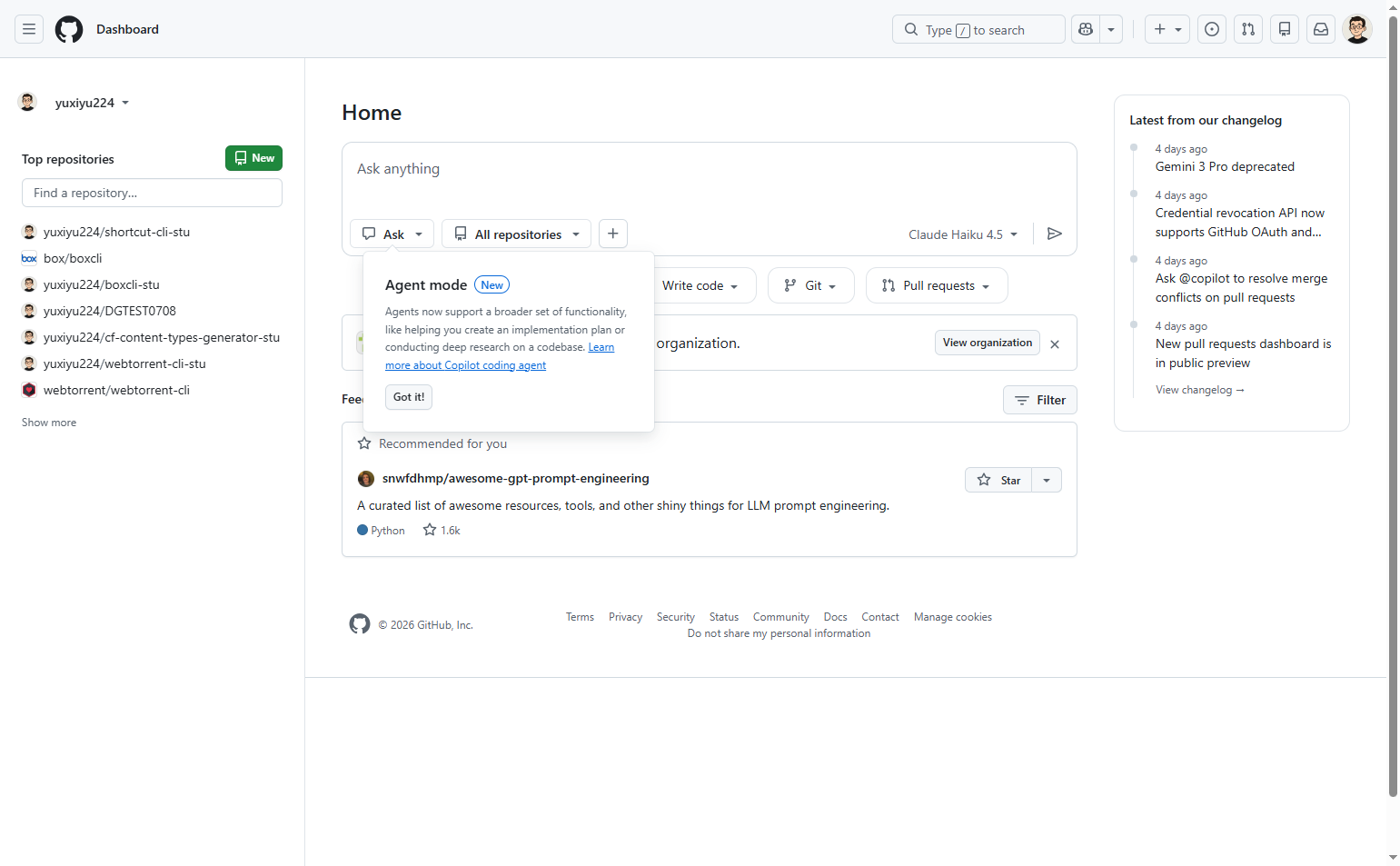
Navigate to github.com and ensure you are signed in to your GitHub account. You will be taken to your dashboard showing your recent activity and repository feed.
- Step 2 of 6
Activate the search interface
Click the search bar
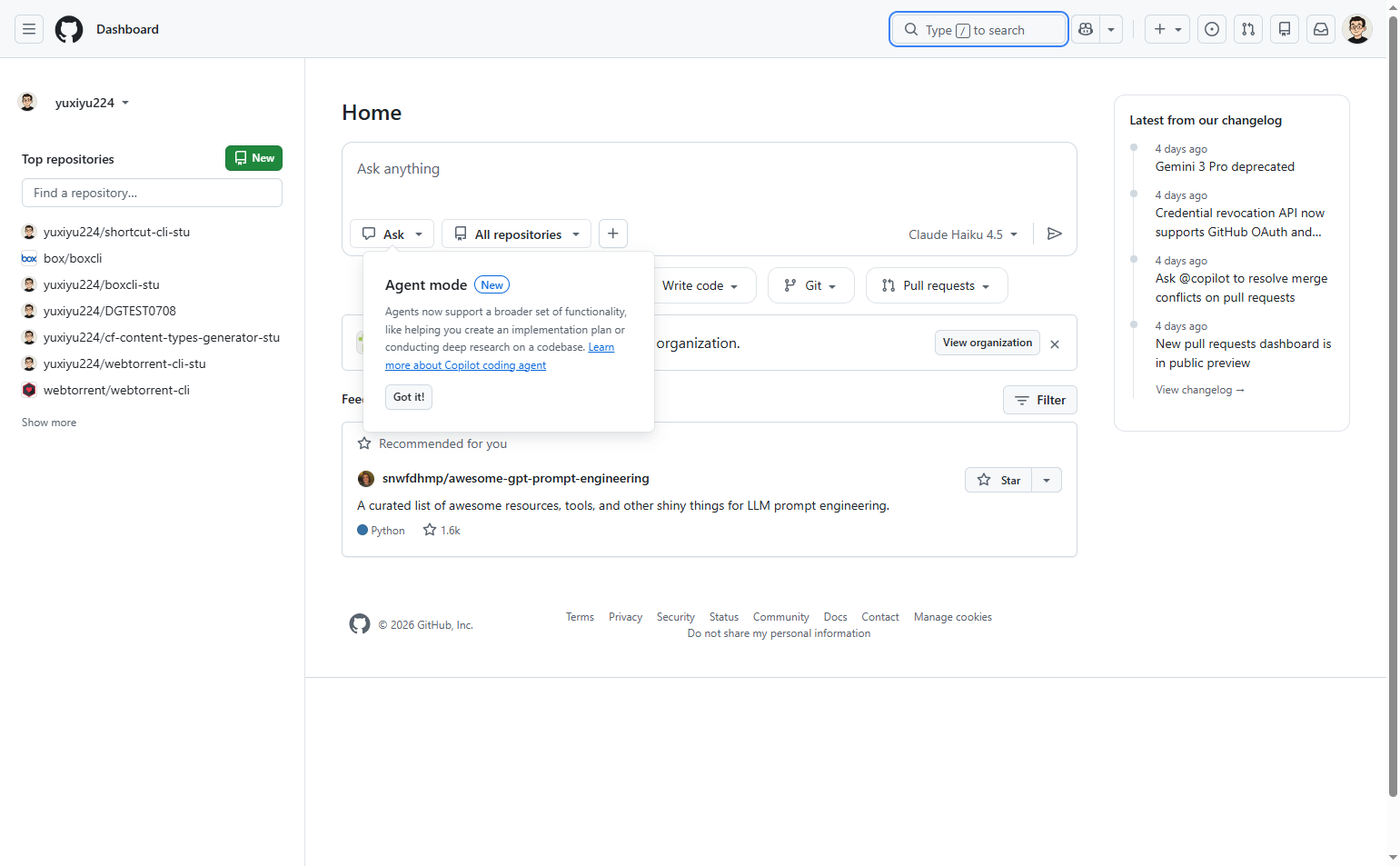
Click on the Search or jump to… search bar at the top of the page. Alternatively, you can press the / key on your keyboard to activate the search.
- Step 3 of 6
Enter your search query
Type the search term
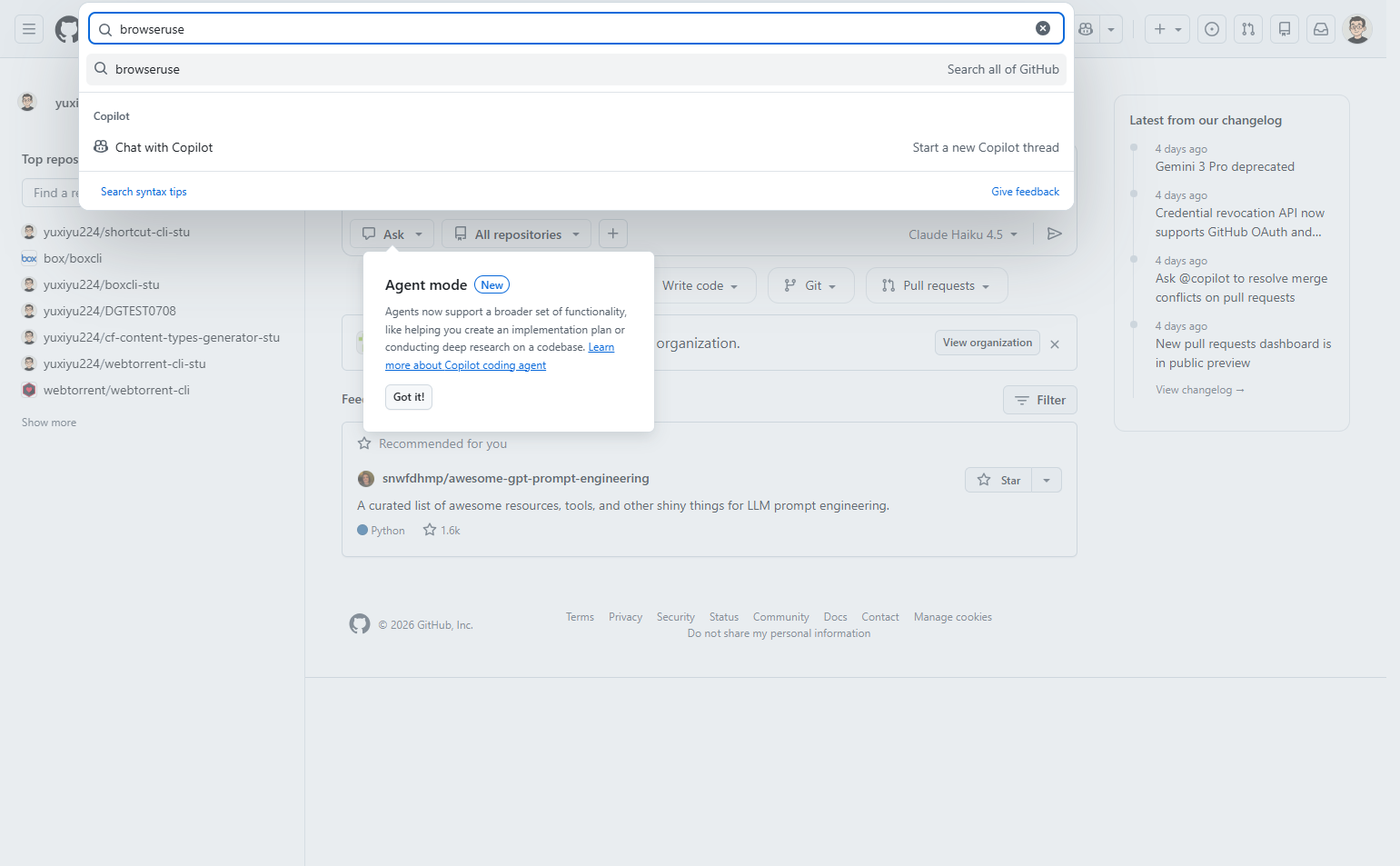
Type your search term into the search field. As you type, GitHub will display suggestions including:
- Step 4 of 6
Execute the search
Click the search option
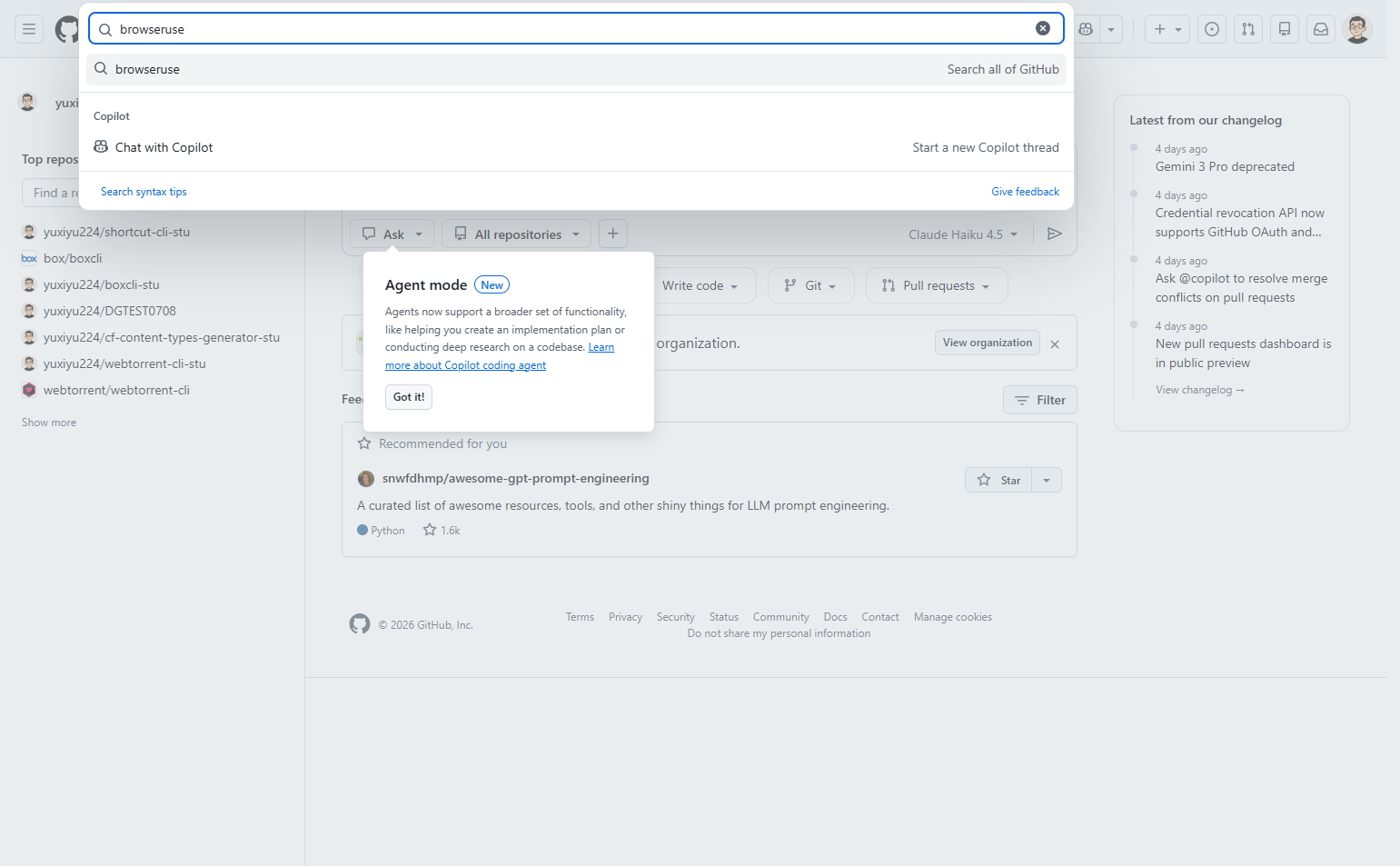
Select the Search all of GitHub option from the dropdown to execute a global search, or click directly on any specific repository suggestion if it matches what you are looking for.
- Step 5 of 6
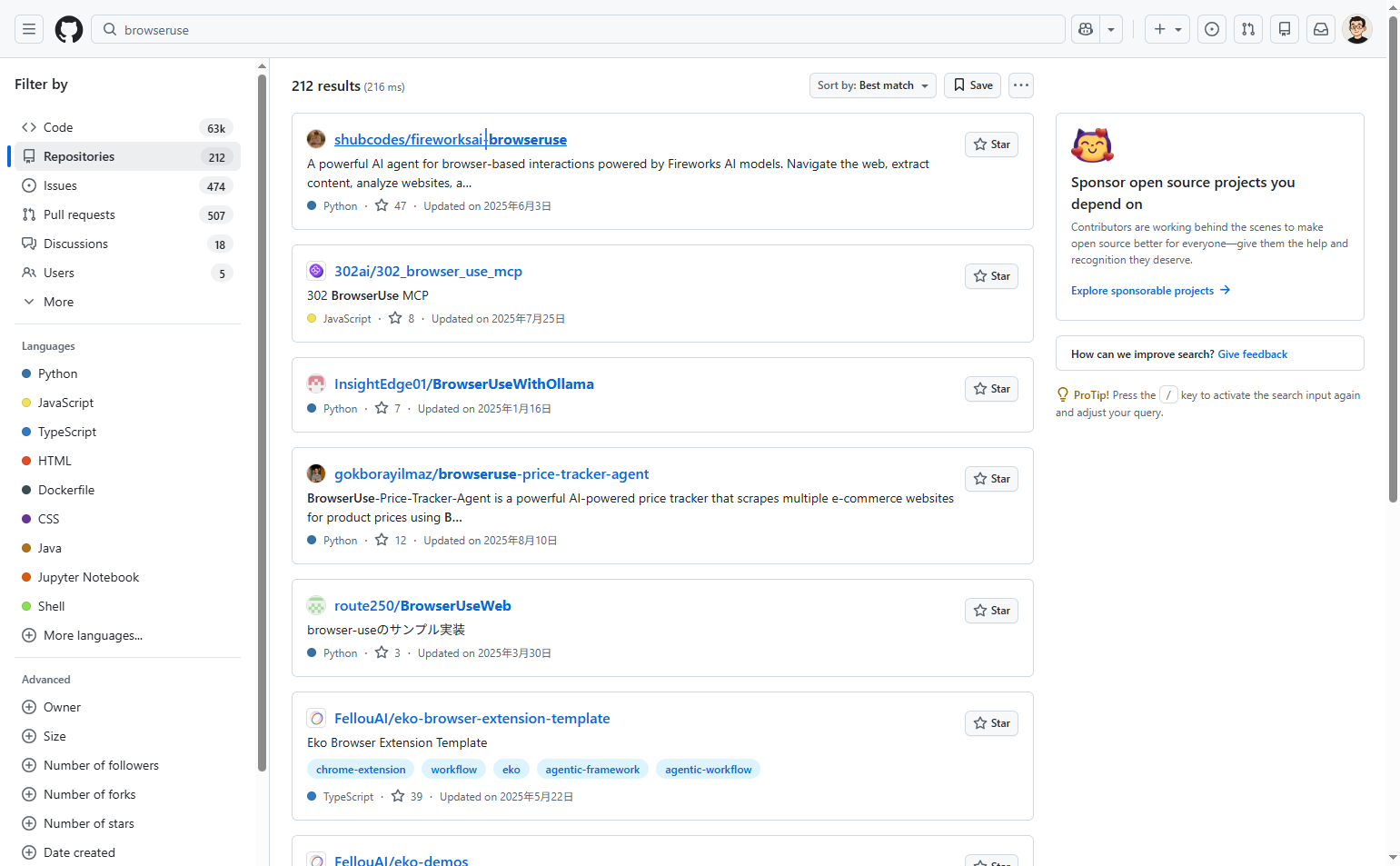
Review and select a repository
Click a repository from results
Review the search results page which displays repositories matching your query. Each result shows:
- Step 6 of 6
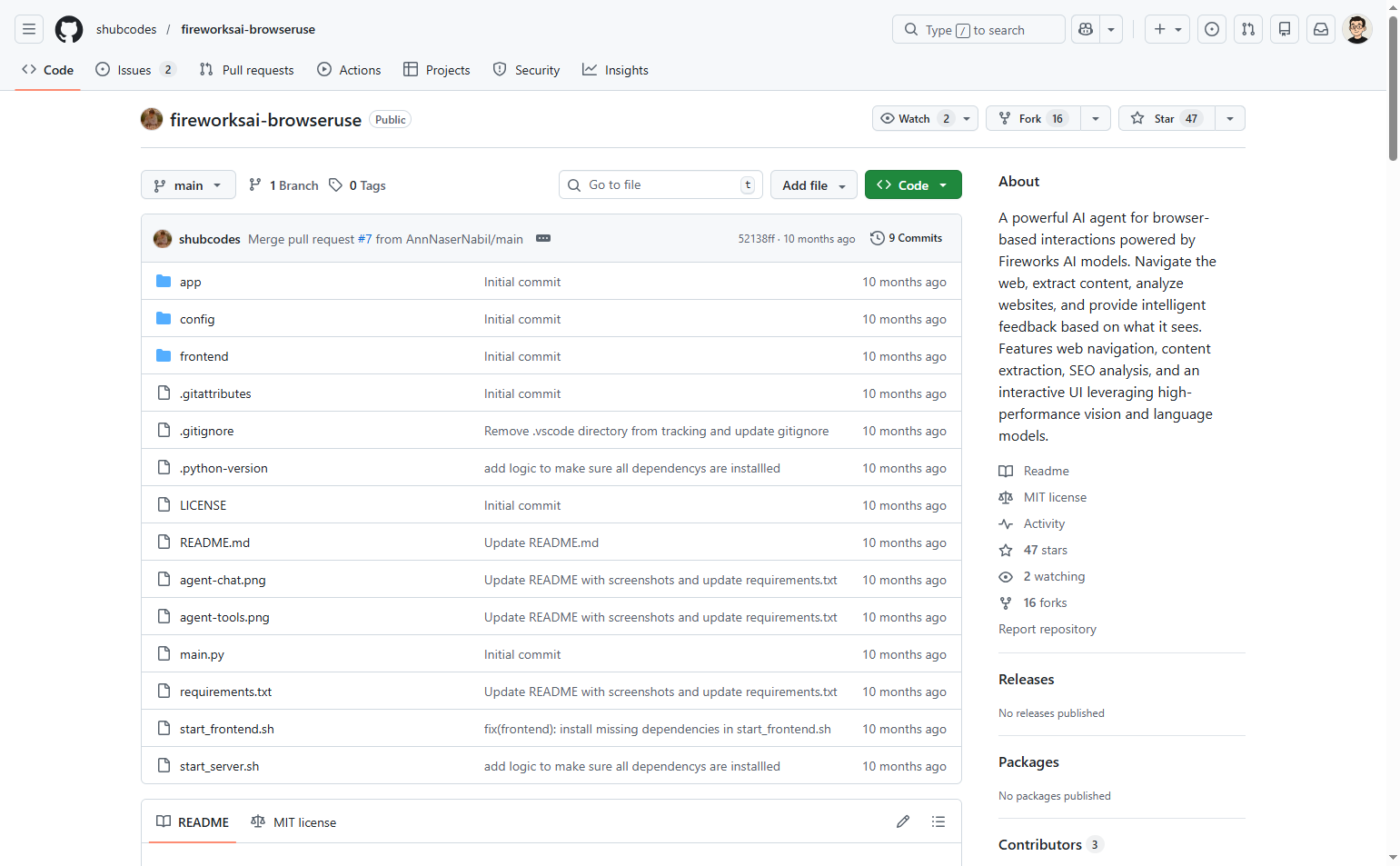
Explore the repository
Review repository details
Once on the repository page, you can explore:
Verification
To confirm successful repository discovery:
Verify the repository page loads correctly with the repository name displayed at the top.
Confirm the file browser shows the repository contents including README, code files, and directories.
Check the About section on the right sidebar for project description and metadata.
Troubleshooting
No search results found
Try broadening your search terms or removing specific filters. Use partial keywords instead of exact phrases.
Search bar not responding
Refresh the page and try again. Ensure JavaScript is enabled in your browser settings.
Cannot access a repository
The repository may be private or have been deleted. Try searching for alternative repositories with similar keywords.
Conclusion
You have successfully searched for and discovered a repository on GitHub. You can now explore the code, read documentation, fork the repository, or use it in your projects.